
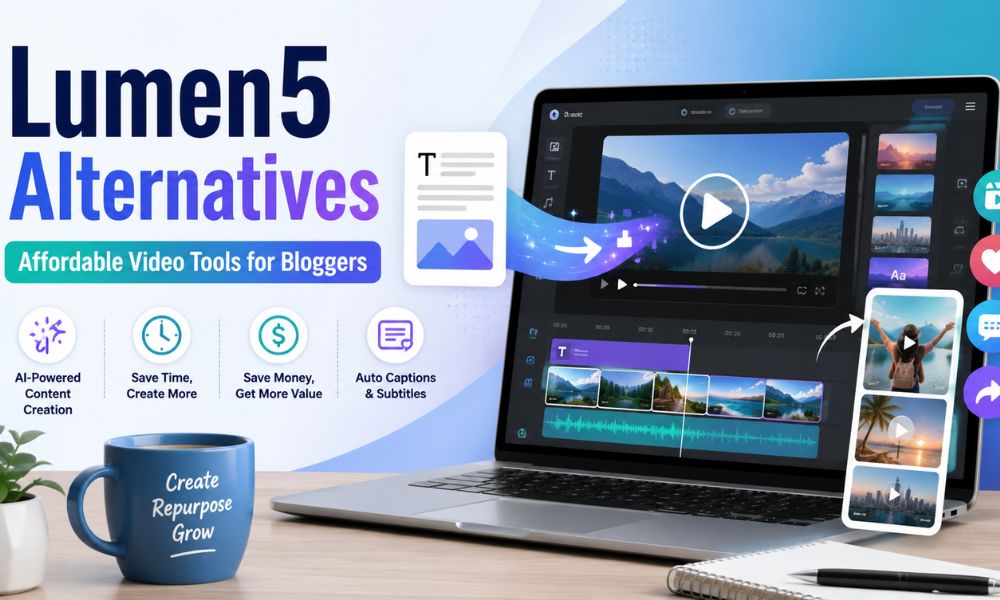
When I first started blogging, I honestly thought writing blog posts would be the hard part.
Then I realized something: writing the article is only one piece of the job.
After publishing a post, you still need to promote it on Pinterest, maybe turn it into a short video, create social posts, make graphics, repurpose it for different platforms, and somehow do all of that without spending your whole day inside tools.
That is exactly why tools like Lumen5 became popular. Lumen5 can turn text, blog posts, and marketing content into videos, and it is especially known for helping non-video editors create social videos quickly.
But here is the honest blogger-to-blogger truth: Lumen5 may not be the perfect fit for everyone.
Maybe the pricing feels too high for where you are right now. Maybe you want more control over the design. Maybe you need a tool that also helps with captions, reels, YouTube Shorts, Pinterest videos, or AI voiceovers. Or maybe you are like I was in the beginning: trying to do the most work with the least money, because every subscription matters.
So in this guide, I am sharing the best Lumen5 alternative options I would actually consider as a blogger, especially if your goal is to repurpose blog posts into videos without wasting hours or paying for features you do not need.
Why Bloggers Look for a Lumen5 Alternative
I do not think Lumen5 is a bad tool. In fact, it can be very helpful if you want a simple way to turn blog content into marketing videos.
But the real question is not:
Is Lumen5 good?
The better question is:
Is Lumen5 the best use of your money right now as a blogger?
And that depends on your stage.
When you are a beginner blogger, you may not need a full video marketing platform. You may need something simple, affordable, flexible, and fast. You may need a tool that lets you create Pinterest idea pins, Instagram reels, short blog promo videos, and maybe YouTube Shorts without making you feel like you are paying agency-level prices.
You can always check the official Lumen5 pricing page before deciding, because pricing and plan limits can change.
Here are a few reasons you may want to compare other tools:
You want a cheaper monthly plan.
You want better design templates.
You want easier social media resizing.
You want stronger AI video features.
You want automatic captions.
You want a tool that works for more than just blog-to-video.
You already use Canva and do not want another subscription.
You want faster editing for reels and short-form content.
For me, the best tool is rarely the fanciest one. It is the one I will actually use every week.
What to Look for in a Lumen5 Alternative
Before choosing any tool, I would ask myself a few practical questions.
First, can it turn my blog post or script into a video quickly?
As bloggers, we do not always have time to edit from scratch. A good tool should help you take a blog post, outline, or short script and turn it into something visual without needing advanced video editing skills.
Second, does it have free or affordable stock media?
Stock footage can get expensive fast. If the tool includes stock videos, images, music, and templates, it can save you money.
Third, does it help with captions?
Captions matter. Many people watch videos without sound, especially on social media. A tool with automatic captions can save a lot of time.
Fourth, does it fit your real content workflow?
Some bloggers only need simple Pinterest videos. Others want YouTube Shorts. Others want faceless videos, product videos, tutorials, or social media clips. The best Lumen5 alternative depends on the type of video you actually plan to create.
Fifth, does the free plan let you test the tool properly?
I always prefer to test a tool with a real project before paying. Not a fake sample project. A real blog post. A real pin. A real reel. That is how you know whether the tool fits your workflow.
Best Lumen5 Alternative Options for Bloggers
1. Pictory — Best Lumen5 Alternative for Turning Blog Posts Into Videos
Best for: Bloggers who want to repurpose long-form content into short videos.
Pictory is probably one of the closest Lumen5 alternatives for bloggers because it is also built around turning text, URLs, scripts, blog posts, and other content into videos.
This makes it useful if you already have blog posts and want to squeeze more content out of them.
For example, you could take a blog post like:
How to Start a Blog With AI Tools
and turn it into:
- A Pinterest video
- An Instagram reel
- A YouTube Short
- A short educational clip
- A teaser for your email list
- A video summary for social media
That is the kind of repurposing that saves time.
If you are comparing costs, check the official Pictory pricing page before subscribing.
Why I like it for bloggers
Pictory feels more focused on content repurposing than general design. If your blog is your main content engine, this matters. You can create the article once, then use Pictory to turn that article into multiple video assets.
Where it may not be perfect
If you want full design freedom, Canva may feel easier. If you want very trendy TikTok-style editing, InVideo or VEED may feel more modern.
My blogger opinion
Pictory is one of the strongest Lumen5 alternatives if your main goal is blog-post-to-video. I would test it with one of your existing articles before paying.
2. Canva — Best Low-Cost Option If You Already Use It
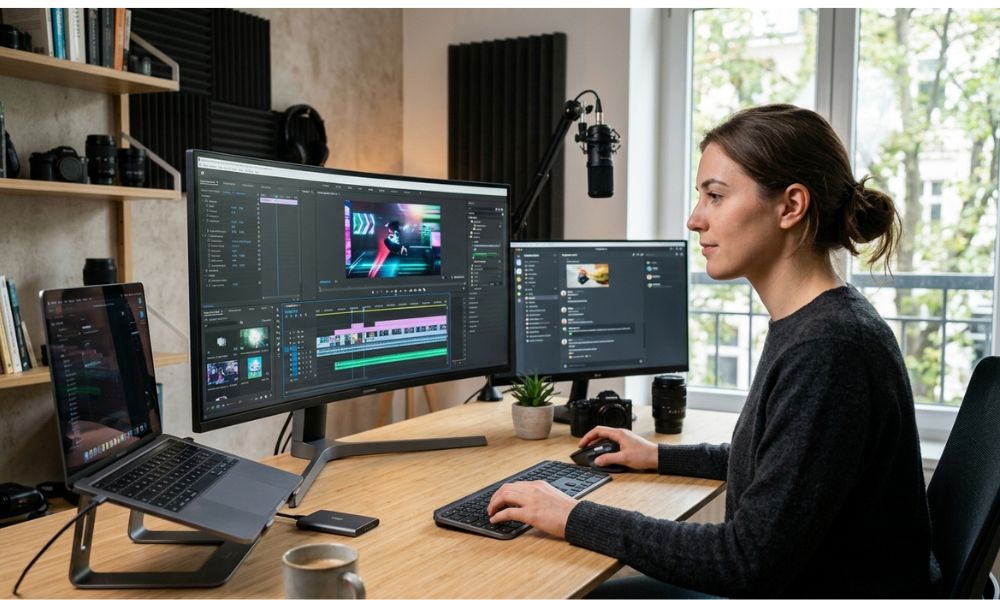
Best for: Beginner bloggers who want one affordable tool for graphics, pins, videos, lead magnets, and social media.
Canva is not only a video tool. That is actually why I like it for bloggers.
As a beginner, I did not want ten subscriptions. I wanted one tool that could help me create Pinterest pins, blog graphics, lead magnets, Instagram posts, simple videos, and maybe a media kit.
For many bloggers, Canva may be the most practical Lumen5 alternative, not because it is the most advanced AI video generator, but because it does so many things in one place.
You can also check the official Canva pricing page to compare free and paid options.
You can use Canva to create:
Pinterest video pins
Instagram reels
Blog promo videos
YouTube thumbnails
Lead magnets
Instagram carousels
Digital product mockups
Email opt-in graphics
Simple course slides
Brand templates
That means your monthly cost can cover much more than video creation.
Why I like it for bloggers
Canva is beginner-friendly, flexible, and easy to reuse. Once you create a few branded templates, you can keep duplicating them and changing the text.
Where it may not be perfect
If you want automatic blog-to-video creation with AI choosing the scenes for you, Canva may require more manual work than Lumen5 or Pictory.
My blogger opinion
If you are trying to keep costs low, start with Canva first. Especially if you already pay for it. Do not buy another tool until you know Canva cannot do what you need.
3. InVideo AI — Best for Fast AI-Generated Social Videos
Best for: Bloggers who want AI-assisted video creation for social media, reels, and short-form content.
InVideo AI is another strong Lumen5 alternative, especially if you want to create videos from prompts instead of manually designing every scene.
For bloggers, this can be helpful when you want to create videos like:
5 mistakes new bloggers make
3 AI tools I use to save time
How I turn one blog post into 10 pieces of content
Beginner blogging tips you need before starting
Instead of starting from scratch, you can give the tool a prompt and then edit the result.
Before choosing a plan, check the official InVideo pricing page because AI video tools often use credits, and credits can affect the real monthly cost.
Why I like it for bloggers
It feels useful for social-first content. If you are trying to grow on Instagram, TikTok, YouTube Shorts, or Pinterest, InVideo AI can help you move faster.
Where it may not be perfect
Because AI video tools often use credits, you need to watch your usage. A plan may look affordable, but if you burn through credits quickly, the real cost can become higher.
My blogger opinion
InVideo AI is a good option if you want to create more social videos and you do not want to manually build everything scene by scene.
4. VEED — Best for Captions, Editing, and Cleaner Short Videos
Best for: Bloggers who record videos, edit talking-head clips, or need captions.
VEED is more of an AI video creation and editing platform. This makes VEED a good Lumen5 alternative if your workflow includes actual video editing.
For example, maybe you record yourself explaining a blogging tip. VEED can help you clean it up, add subtitles, resize it, and prepare it for social media.
This is different from Lumen5’s classic blog-post-to-video style. VEED feels more useful when you are working with recorded clips, captions, and social edits.
Why I like it for bloggers
Captions and simple editing can save a lot of time. If you are creating educational videos, tutorials, or short clips from screen recordings, VEED can be very handy.
Where it may not be perfect
If you do not record videos and only want to turn blog posts into videos, Pictory or Lumen5 may feel more direct.
My blogger opinion
Choose VEED if captions and editing matter more to you than automatic article-to-video creation.
5. Kapwing — Best Browser-Based Editor for Simple Content Repurposing
Best for: Bloggers who want a simple online editor for quick videos, memes, captions, and repurposed content.
Kapwing is a browser-based editing tool that can be useful if you want something flexible but not too complicated.
You can use it for:
Adding captions
Resizing videos
Creating short clips
Editing simple social videos
Repurposing content
Making quick video posts
Creating memes or educational clips
For bloggers, I see Kapwing as more of a practical editing workspace than a pure Lumen5 replacement.
You can also check the official Kapwing pricing page before upgrading.
Why I like it for bloggers
It is straightforward and browser-based. You do not need to download heavy software, which is great when you just want to make quick edits.
Where it may not be perfect
If your goal is full AI blog-to-video automation, Kapwing may not feel as specialized as Pictory or Lumen5.
My blogger opinion
Kapwing is a good supporting tool if your content workflow includes editing, resizing, captions, and quick social media videos.
6. FlexClip — Best Simple Budget Video Maker for Beginners
Best for: Bloggers who want templates, simple editing, and beginner-friendly video creation.
FlexClip is an AI-powered online video maker and editor with templates, editing tools, and AI features.
FlexClip may not be the most advanced tool on this list, but that is not always a bad thing.
Sometimes, as a blogger, you do not need advanced. You need to do.
You need a quick video for a blog post.
You need a Pinterest video pin.
You need a short promo for a digital product.
You need a simple tutorial-style video.
You need something clean enough to publish today.
You can check the official FlexClip pricing page before subscribing.
Why I like it for bloggers
It is beginner-friendly and template-based, which can reduce the learning curve.
Where it may not be perfect
If you need powerful AI automation or advanced editing, you may outgrow it.
My blogger opinion
FlexClip is worth testing if you are still early in your blogging journey and want something simple before investing in a bigger tool.
My Honest Recommendation: Which Lumen5 Alternative Should You Choose?
Here is how I would decide.
- If you want the closest Lumen5 alternative for blog-to-video, choose Pictory.
- If you want the lowest-cost all-in-one tool, choose Canva.
- If you want AI-generated social videos from prompts, choose InVideo AI.
- If you record yourself or need captions, choose VEED.
- If you want a simple browser editor, choose Kapwing.
- If you want beginner-friendly templates, choose FlexClip.
But if I were starting again with a small budget, I would not subscribe to three video tools immediately.
I would do this:
- Start with Canva if you already use it.
- Test Pictory if your main goal is to turn blog posts into videos.
- Try InVideo AI if you want faster AI-generated short videos.
- Only add VEED or Kapwing if you need better captions or editing.
That is the kind of stack that makes sense for a blogger who wants to save money.
Best Free or Cheap Lumen5 Alternative for Bloggers
The cheapest tool is not always the tool with the lowest monthly price.
The cheapest tool is the one that helps you finish more work without buying five other tools.
That is why Canva can be the best budget choice for many beginners. It helps with video, graphics, pins, lead magnets, branding, social media, and more.
But if your goal is specifically turning blog posts into videos, Pictory may save more time.
Here is the way I would think about it:
Canva saves money because it replaces several design tools.
Pictory saves time because it is focused on content repurposing.
InVideo AI saves effort because it can generate videos from prompts.
VEED saves editing time because captions and edits are easier.
So the “best” Lumen5 alternative depends on what you are trying to save most:
Money? Canva.
Time? Pictory.
Creative energy? InVideo AI.
Editing frustration? VEED.
How I Would Use a Lumen5 Alternative in a Blogger Workflow
Let’s say you publish one blog post per week.
Instead of only publishing the article and hoping Google finds it, you can repurpose it like this:
Step 1: Write your blog post.
Step 2: Pull out 3 to 5 key points.
Step 3: Turn those points into a short script.
Step 4: Use Pictory, Canva, InVideo AI, or another tool to create a short video.
Step 5: Resize or adjust it for Pinterest, Instagram, TikTok, or YouTube Shorts.
Step 6: Add captions.
Step 7: Link back to your blog post.
One blog post can become:
- 1 video pin
- 1 Instagram reel
- 1 YouTube Short
- 3 Pinterest pins
- 1 email newsletter section
- 1 social media caption
- 1 lead magnet idea
That is how you stop creating from zero every day.
Mistakes to Avoid When Choosing a Lumen5 Alternative
The biggest mistake is paying for a tool before you know your workflow.
Do not choose a tool just because someone says it is the best. Choose it because it matches the kind of content you actually create.
Another mistake is paying for advanced features too early.
When you are still building traffic, you may not need enterprise branding, team workflows, or advanced AI avatars. You may just need clean, simple videos that help people discover your content.
Also, do not ignore watermarks and export limits.
Some free plans look good until you realize your video has a watermark, low resolution, short export limit, or limited stock media. Always export one real video before deciding.
And finally, do not try to use every video tool at once.
That was one of my early mistakes with blogging tools in general. I thought more tools meant faster growth. But sometimes, more tools only mean more tabs, more subscriptions, and more confusion.
Pick one tool. Build a repeatable system. Then upgrade only when the tool becomes a real bottleneck.
Final Verdict: The Best Lumen5 Alternative for Bloggers
If you are looking for the best Lumen5 alternative, my top recommendation for bloggers is Pictory if your main goal is turning blog posts into videos.
But if you are a beginner blogger trying to keep your costs low, I would seriously consider Canva first, especially if you already use it for Pinterest pins, blog graphics, lead magnets, and social media content.
For bloggers who want AI-generated videos from prompts, InVideo AI is worth testing.
For bloggers who need captions and editing, VEED may be the better choice.
The best tool is the one that helps you publish more consistently without draining your budget or your energy.
Because honestly, blogging already has enough moving parts.
You do not need a complicated video system. You need a simple repurposing workflow that helps you turn one blog post into more content, more visibility, and more chances for people to find your site.
Start simple. Test with one real blog post. Export one real video. Then decide.
That is how you save the money, time, and hassle I wish I had saved in the beginning.